
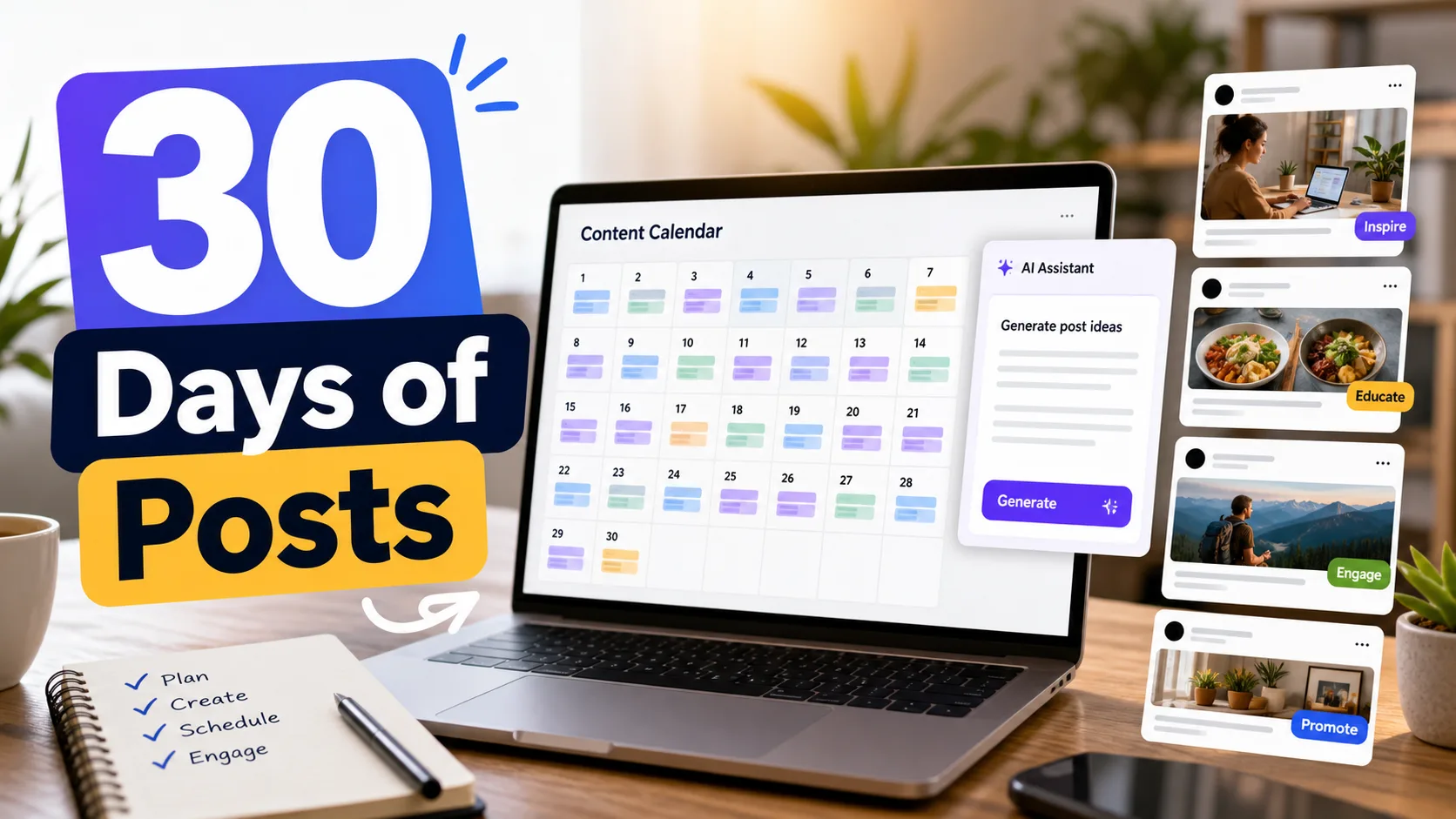
If you manage a Facebook page, the hardest part is not clicking publish. The hard part is waking up every day and asking, “What should I post now?” That question drains creators more than the posting itself.
The solution is not to let AI dump 30 random captions into a spreadsheet. The real solution is a focused Facebook content automation workflow where research, formats, hooks, and scheduling are handled in one clean sprint.
The 60-Minute Facebook Post Sprint
This sprint works because it removes decision fatigue. You are not trying to invent 30 ideas from nothing. You are filling a system with researched, original angles.
Choose 5 topics your audience already expects from your page.
Find hooks, formats, and angles that repeatedly earn comments or shares.
Create original versions, not copies.
Use AI to produce variations in your voice.
Remove weak, generic, or risky posts.
Queue posts and learn from results.
What Most Creators Get Wrong
Most page owners try to batch content by writing 30 separate posts. That is slow. The better way is to batch decisions first: niche, format, hook type, audience problem, and call-to-comment. Once those are clear, captions become much easier.
The One-Hour Workflow
Set a timer. The point is not perfection; the point is to build a usable first draft calendar you can edit before publishing.
- Spend 10 minutes choosing 5 content pillars: education, opinion, story, checklist, and discussion.
- Spend 10 minutes researching viral Facebook posts in your niche and saving the pattern, not the wording.
- Spend 10 minutes writing 30 post angles from those patterns.
- Spend 15 minutes generating hooks and captions with an AI social media post generator.
- Spend 10 minutes editing for voice, originality, and clarity.
- Spend 5 minutes assigning each post to a date and format.
30-Day Content Mix Template
| Format | Use It For | Example Angle | Quality Check |
|---|---|---|---|
| Question post | Comments and audience research | What is one mistake beginners make with this niche? | Would your audience actually answer? |
| Checklist | Saves and shares | 7 things to check before publishing a post | Is it specific enough to use today? |
| Mini story | Trust and relatability | What I changed after my reach dropped | Does it sound human? |
| Comparison | Clarity and decisions | Manual posting vs content system | Does it help the reader choose? |
Copy This Post Planning Template
- Pillar: What topic bucket does this post support?
- Audience problem: What pain point does it solve?
- Hook: Why should someone stop scrolling?
- Original angle: What makes this different from the viral post you studied?
- Format: text, image, reel, link, or carousel idea.
- Review note: What result will you check after publishing?
Mini Case Study: A Realistic Creator Scenario
A small home tips page could use this system by choosing cleaning, storage, budget decor, mistakes, and weekend projects as pillars. Instead of copying a viral “cleaning hacks” post, the creator turns the pattern into original angles like “3 cleaning habits that make a small kitchen feel bigger” and “What I would stop buying for a tiny apartment.”
How to Apply This in Different Niches
A good Facebook content system should not feel locked to one niche. The same process can work for food, parenting, travel, education, DIY, motivation, tech, or lifestyle pages, but the execution has to match what that audience actually values. This is where many creators lose quality: they copy a format from another niche without adapting the promise, examples, and emotional trigger.
| Niche | Smart Adaptation | What to Avoid |
|---|---|---|
| Food or recipes | Turn the idea into practical meal planning, ingredient swaps, budget tips, or quick mistakes people can fix today. | Copying another creator’s recipe photos, exact method, or personal story. |
| Parenting or family | Use relatable scenarios, simple checklists, and discussion questions that invite real experience from parents. | Making extreme claims or using shame-based hooks for comments. |
| Travel or lifestyle | Add location context, realistic budgets, local etiquette, or planning details that make the post useful. | Reposting generic destination clips with no original commentary. |
| Education or tips | Break the idea into steps, examples, definitions, and “do this / avoid this” guidance. | Publishing vague advice that sounds helpful but gives no next action. |
Quality Control Before You Schedule
Before a post goes into the calendar, give it a final creator review. I like this step because it catches the problems that tools cannot always understand: a hook that feels too dramatic, an example that sounds generic, a claim that needs checking, or an idea that no longer fits the page’s audience.
- Read the first line out loud and ask whether it creates a clear promise.
- Check that the post adds something original: an example, opinion, framework, visual, or useful structure.
- Remove lazy engagement bait and replace it with a real question or practical takeaway.
- Make sure any policy, earnings, health, finance, or factual claim is careful and not exaggerated.
- Confirm the format fits the idea. Some ideas need a short text post; others need a visual, reel, or checklist.
- Add a review note so you know what to measure after the post goes live.
A Simple Weekly Review Scorecard
The review step is where automation becomes useful instead of noisy. Do not only ask, “Did this post get views?” Ask what the post taught you. A post with fewer views but strong comments can reveal a better audience direction than a random viral spike.
| Score Area | Question to Ask | Next Action |
|---|---|---|
| Hook | Did the opening line create enough interest? | Rewrite weak hooks and test a more specific version next week. |
| Originality | Did the post feel clearly different from the inspiration source? | Add stronger examples, visuals, or commentary. |
| Audience fit | Did the right people react? | Double down on topics that attract your intended audience. |
| Business value | Did the post support reach, trust, monetization, or content research? | Keep the posts that support a clear page goal. |
What I Would Do Today
If I were running this page today, I would keep the workflow simple for the next seven days. I would choose one audience problem, create several original angles around it, schedule the strongest posts, and review the results before expanding the calendar. The mistake is trying to fix everything at once. A creator improves faster by testing one clear variable at a time: the hook, the format, the topic, the visual, or the posting slot. That is how a page builds a system instead of collecting random tactics.
How Contai Fits Into This Workflow
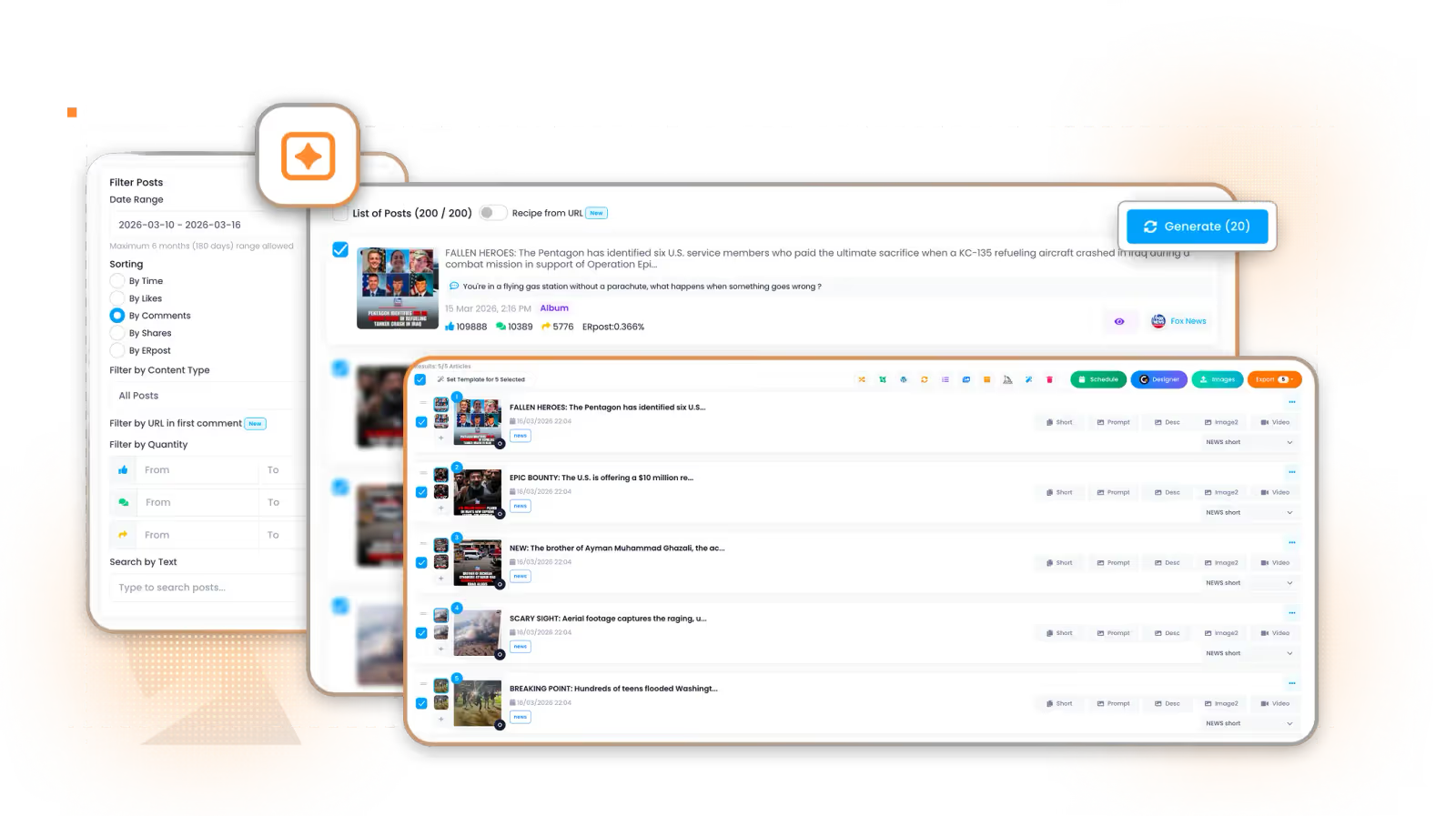
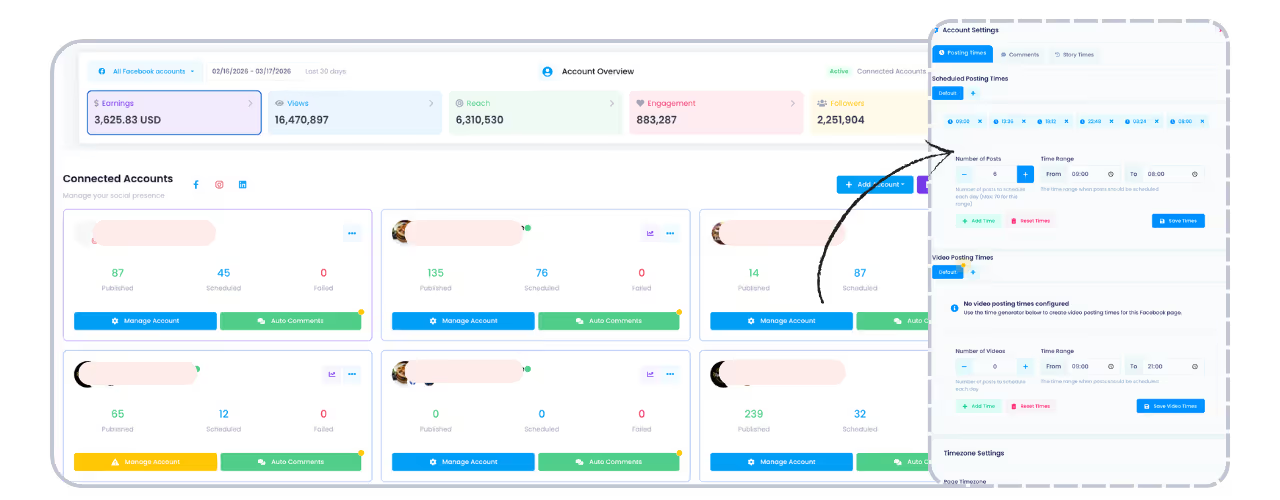
A workflow platform like Contai’s Facebook page analyzer helps creators move from research to post ideas faster. Pair that with advanced publishing and scheduling, and the one-hour sprint becomes easier to repeat every month.
Mistakes to Avoid
- Generating 30 generic captions with no niche research.
- Copying viral posts word for word.
- Publishing raw AI output without editing.
- Using only one format for the entire month.
- Skipping the review step after the posts go live.
Related Reading
- Facebook automation guide
- AI social media post generator guide
- Facebook monetization strategy
- Research, writing, and publishing workflow
- Weekly content system
FAQ
Can AI create 30 Facebook posts for me?
AI can create drafts, hooks, and variations, but you still need research, editing, originality checks, and audience judgment before publishing.
Is batching Facebook posts safe for monetization?
Batching is safe when the content is original, high quality, and reviewed. Problems start when creators mass-publish copied or low-value posts.
How often should I review a 30-day content calendar?
Review it weekly. Replace weak ideas, update posts based on comments, and keep the calendar connected to current audience behavior.
What is the best tool for this workflow?
Use a tool that connects research, AI content creation, and scheduling. For Facebook creators, Contai fits well because it supports the full workflow.
Final Takeaway
Thirty days of content should not mean thirty days of panic. Build the calendar once, edit it carefully, schedule it, and use the next month’s results to create a smarter batch.
Keep learning
Related articles

Get Smarter Facebook Content Automation Tips
Weekly guides about Facebook automation, AI content workflows, content monetization, and page growth systems.
Join the Newsletter