

An AI social media post generator can help Facebook creators publish more consistently, but it should not be treated as a replacement for strategy, audience knowledge, or editorial judgment. The best AI workflow helps creators create better drafts faster, then refine them into original posts.
For policy-sensitive content and publishing decisions, creators should still review official resources such as the Meta for Creators hub and guidance from the Meta Business Help Center.
This guide explains how to use AI for Facebook content creation in a way that supports quality, trust, and long-term page growth.
What Is an AI Social Media Post Generator?
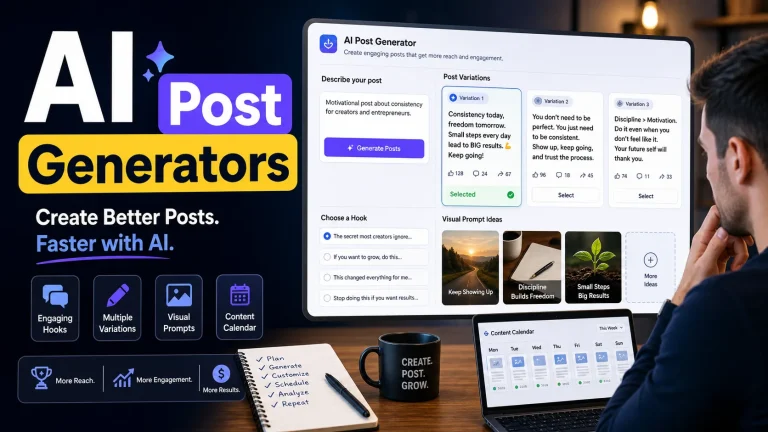
An AI social media post generator is a tool that uses artificial intelligence to create content drafts for platforms like Facebook. It can suggest post ideas, captions, hooks, outlines, image prompts, hashtags, and content variations.
For Facebook page owners, AI is most useful when it becomes part of a larger Facebook automation workflow: research, ideation, drafting, editing, scheduling, and performance review.
Where AI Helps Facebook Creators Most
Hook generation
A strong hook helps people decide whether to stop scrolling. AI can generate multiple hook styles: question hooks, curiosity hooks, problem-solution hooks, story hooks, and opinion hooks.
Caption writing
AI can produce short captions, long-form captions, story-driven captions, and educational captions. The creator should still edit for tone and remove generic phrasing.
Post variations
One idea can become several formats: a short text post, a carousel outline, a video script, a story post, or a discussion prompt. This helps creators repurpose content without repeating the same post.
Content calendar support
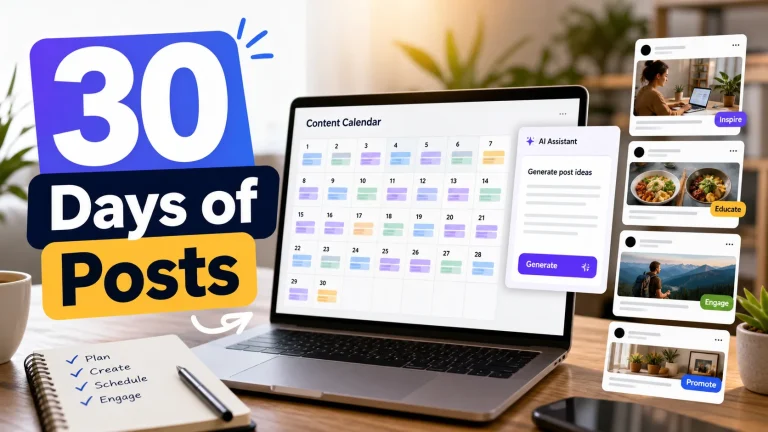
AI can help turn weekly themes into a structured calendar. For example, a creator can ask for five post ideas, three video angles, and two audience discussion prompts for the same niche.
A High-Quality AI Prompt Framework
Good AI output starts with a useful brief. Instead of asking for “a Facebook post,” include the audience, niche, content goal, post format, tone, and examples of what your page usually publishes.
What AI Should Not Do
- Publish posts automatically without human review.
- Invent claims, statistics, or policy details that are not checked.
- Copy a competitor’s post structure too closely.
- Replace the creator’s voice with generic AI writing.
- Create misleading engagement bait.
Best Tool Workflow for AI Facebook Content
A strong AI workflow includes viral research, idea generation, visual creation, caption editing, scheduling, and analytics. Tools like Contai can help creators connect these steps so they do not have to jump between too many disconnected platforms.
Use AI after research, not before
The best AI-generated Facebook posts usually start with real research. Before asking AI for captions, collect audience questions, comments, competitor examples, and topic patterns. Then ask AI to turn those inputs into original angles. This keeps the content grounded in what people actually care about instead of producing generic social media copy.
Create an editing checklist
Before publishing, check every AI-assisted post for accuracy, originality, clarity, tone, and usefulness. Remove overused phrases, verify claims, rewrite weak hooks, and make sure the post sounds like your page. This review step is what separates a helpful AI workflow from low-quality automation.
If monetization is part of your strategy, connect AI content creation with a Facebook content monetization workflow so every post supports audience trust, originality, and consistent content quality.
Final Takeaway
An AI social media post generator is valuable when it helps creators think faster, create more options, and stay consistent. It becomes risky when creators publish generic content without editing. Use AI as a creative assistant, not as an autopilot.
Frequently Asked Questions
What is an AI social media post generator?
An AI social media post generator is a tool that creates draft hooks, captions, post ideas, outlines, and content variations for platforms like Facebook.
Can AI write Facebook posts for monetized pages?
AI can help draft Facebook posts, but creators should review the final content for accuracy, originality, audience fit, and brand voice before publishing.
How should creators use AI safely?
Creators should use AI as a creative assistant for ideas and drafts, not as an autopilot that publishes generic or unchecked content.
Keep learning
Related articles
Get Smarter Facebook Content Automation Tips
Weekly guides about Facebook automation, AI content workflows, content monetization, and page growth systems.
Join the Newsletter